
Filing GST returns can feel difficult especially if the GST portal is new to you.. When the steps become clear filing GST returns turns into a simple process. From logging into the GST portal to sending the return almost everything can be done online. Whether the person is a business owner, a freelancer, a professional or a tax manager, knowing how to file GST returns helps that person handle tax duties better.
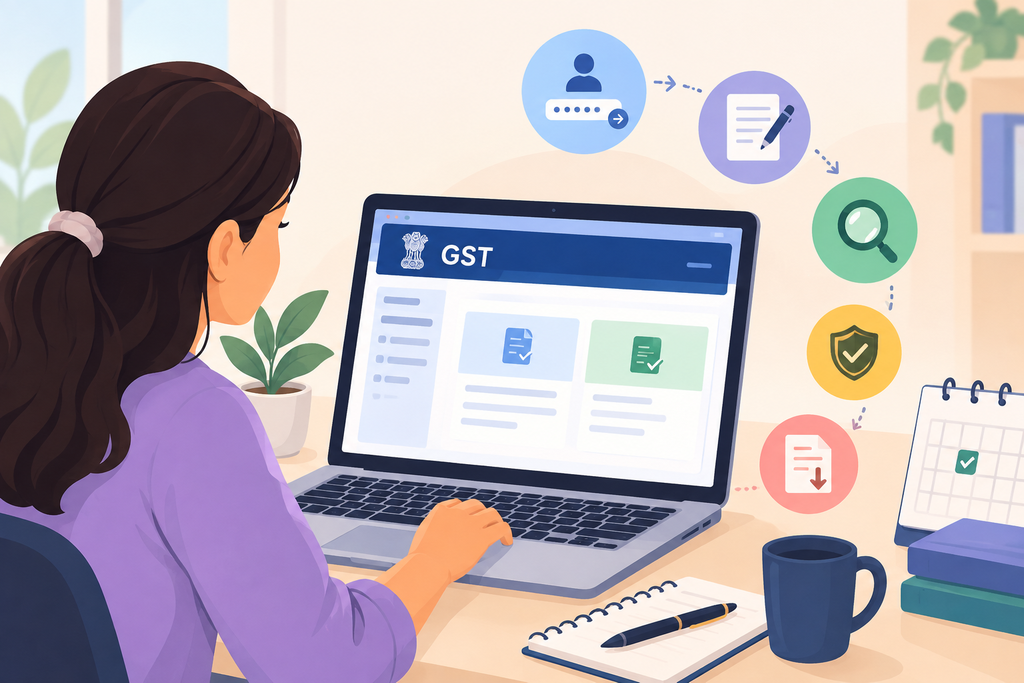
Source: Open AI
Understanding GST Returns
GST returns are forms that registered taxpayers send to share details about their business actions. The specific information in a GST return depends on the taxpayer type and the GST rules that apply. A GST return might list supplies, purchases, input tax credit and tax liability. Because different taxpayers face rules it matters to know which GST return fits that business. Two common forms are GSTR-1 and GSTR-3B. GSTR-1 records supplies while GSTR-3B records tax liabilities and lets the taxpayer claim input tax credit.
Prepare Your Records Before Filing
Before the online filing begins it is wise to keep GST records tidy. Sales and purchase invoices, customer GSTINs, taxable and exempt supply details, credit and debit notes, input tax credit data and relevant HSN or SAC codes should be easy to find. Accurate records smooth the process. Cut the risk of differences between accounting books and GST returns. Good preparation is vital for any business that deals with invoices.
Start with Your GST Portal Login
The first action when filing GST returns online is to open the GST portal. Go to the GST website. Log in with the registered username and password. Depending on the situation authentication or an OTP may be needed. Once logged in go to Services → Returns → Returns Dashboard. The dashboard shows the return forms that apply and the filing periods.
Select the Appropriate Tax Period
After arriving at the Returns Dashboard choose the year and filing period. Depending on registration and the filing plan GST returns may be filed every month or every quarter. After picking the period click search to see which returns can be filed. Checking the year period and return type carefully is vital because the wrong choice can cause trouble.
Prepare GSTR-1 and GSTR-3B
If the business needs GSTR-1 pick the GSTR-1 option and select the preparation style. You can. Upload details about supplies, invoices and other relevant transactions. The GST portal also supplies tools and system data that help taxpayers put together GST returns. Once the data is entered, review the summary the portal creates carefully before moving on.
For GSTR-3B pick the option from the Returns Dashboard. Click Prepare Online. The form asks for supplies, tax liability and eligible input tax credit. The taxpayer should match these numbers with the accounting records before sending the GST return. If the rules allow. There are no transactions or tax liability the taxpayer can file a Nil GST return.
Review the Return Before Submission
A step when filing GST returns online is to look over the data before sending it. Check amounts, tax figures, input tax credit, invoice details, GSTINs and any adjustments. Even a tiny mistake can cause problems later. Comparing the GST return to the books and supporting documents can catch errors before filing.
Complete. Filing After the review, finish the filing and authentication that apply. Depending on the taxpayer and the situation authentication can be done with a Digital Signature Certificate or an Electronic Verification Code. If an EVC is used the authorised signatory confirms the filing, with an OTP sent to the registered contact. When the GST return is filed the portal produces an Acknowledgement Reference Number (ARN). Marks the return status as filed.
Keep Your Filing Records Safe
After the GST return is submitted, download and keep the filed return and acknowledgement for records. It is wise to keep invoices, calculations, reconciliation statements and other supporting documents organized. Good record‑keeping makes later GST filings, reconciliations and compliance checks much easier.
Avoid Common Filing Mistakes
When learning to file GST returns I think taxpayers must pay attention to common mistakes. These mistakes include entering GSTINs reporting invoice values claiming input tax credit without proper verification choosing the wrong tax period and failing to match GST data with accounting records. Filing at the minute can raise the risk of data‑entry errors. Therefore reviewing everything before submission is a yet crucial step.
Conclusion
I see the GST portal has made filing returns online more structured and accessible for registered taxpayers. The overall process involves logging into the portal, choosing the return period, entering or uploading information, reviewing the return, completing authentication and saving the final acknowledgement.
I believe the key to GST compliance is not knowing how to file GST returns online but also ensuring that the information submitted is accurate, complete and backed by proper records. For transactions or when uncertainty about GST treatment exists, consulting a tax professional can help ensure correct compliance.
References:-
[1] Goods and Services Tax Network, “Welcome Kit for New Taxpayers,” GST Portal. [Online]. Available: “GST Welcome Kit” (https://reference-url-citation.invalid/0)
[2] Goods and Services Tax Network, “FAQs: Logging in and Managing Username & Password,” GST Portal. [Online]. Available: “GST Login FAQs” (https://reference-url-citation.invalid/1)
[3] Goods and Services Tax Network, “Creation of Outward Supplies Return in GSTR-1,” GST Portal. [Online]. Available: “GSTR-1 Filing Guide” (https://reference-url-citation.invalid/3)
[4] Goods and Services Tax Network, “GSTR-3B – File Nil Return,” GST Portal. [Online]. Available: “GSTR-3B Filing Guide” (https://reference-url-citation.invalid/5)